In Portugal, the government requires that an invoice is tracked, with a summary of invoices sent regularly to the tax authorities. InvoiceXpress is a simple program that can be integrated with Deskworks for meeting government regulations.
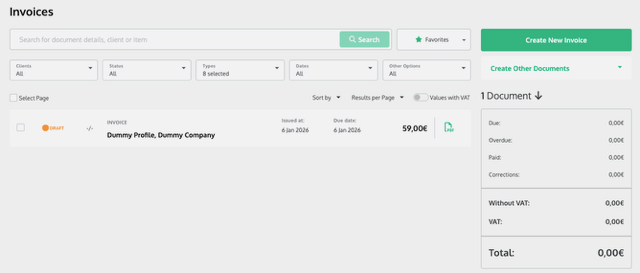
- When an invoice is created, it is automatically recorded in InvoiceXpress as a draft.
- When an invoice is paid, it is finalized in InvoiceXpress, creates a receipt and is then available for monthly reporting to the government.
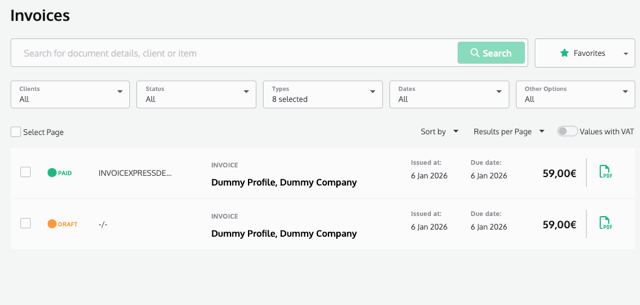
Voiding payment in Deskworks cancels the receipt in InvoiceXpress.
Creating a refund in Deskworks creates a credit note in InvoiceXpress.
Voiding payment in Deskworks cancels receipt in InvoiceXpress.
Cancelling refund in Deskworks cancels credit note in InvoiceXpress.
Notes:
- An empty order is not pushed to InvoiceXpress. At least one line item is needed in the order for it to push to InvoiceXpress.
- Orders that were created before the InvoiceXpress integration will NOT push to InvoiceXpress.
- Users can specify their Tax ID in User Profile -> Personal Info -> Tax ID. If specified, the Tax ID will be pushed to the VAT Number in InvoiceXpress. This is optional.
For an InvoiceXpress account, contact InvoiceXpress.com.
Was this article helpful?
That’s Great!
Thank you for your feedback
Sorry! We couldn't be helpful
Thank you for your feedback
Feedback sent
We appreciate your effort and will try to fix the article