Initial Integration Request
To start the setup of the Docusign / Deskworks Sign integration, open a ticket and request the Docusign / Deskworks Sign integration. Let us know what email address you would like to receive the Docusign activation message at. We will deploy the integration for your site and set up your Docusign / Deskworks Sign sub-accounts.
You will have two sub-accounts:
- [Your company name] Demo Sub-Account
- [Your company name] Production Sub-Account
You can use the Demo Sub-Account for testing and seeing what your contracts and proposals will look like for signature. There are no charges for sending these. When you are ready for production, you can switch over to the Production Sub-Account.
Setup
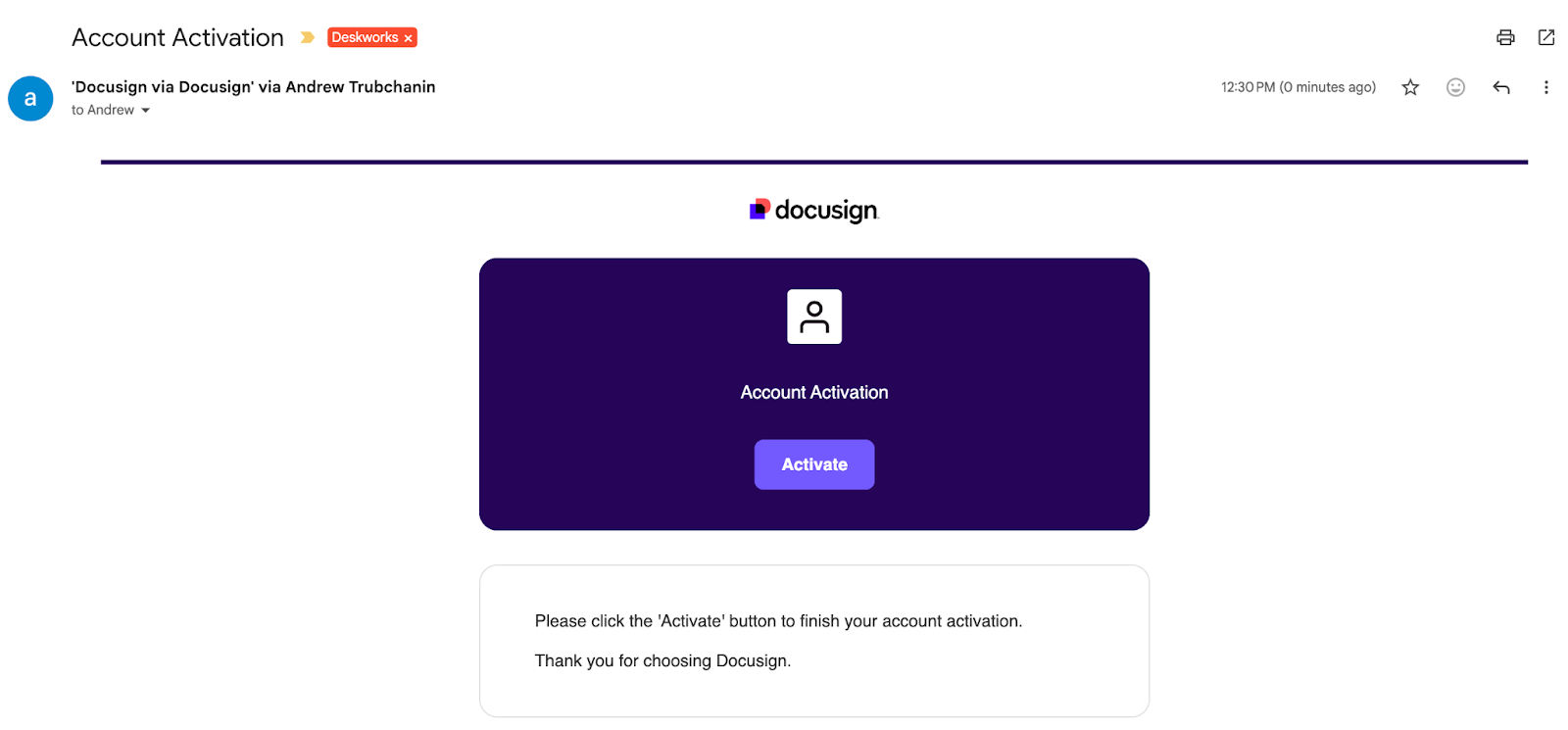
You will receive an activation email from Docusign. Click Activate.
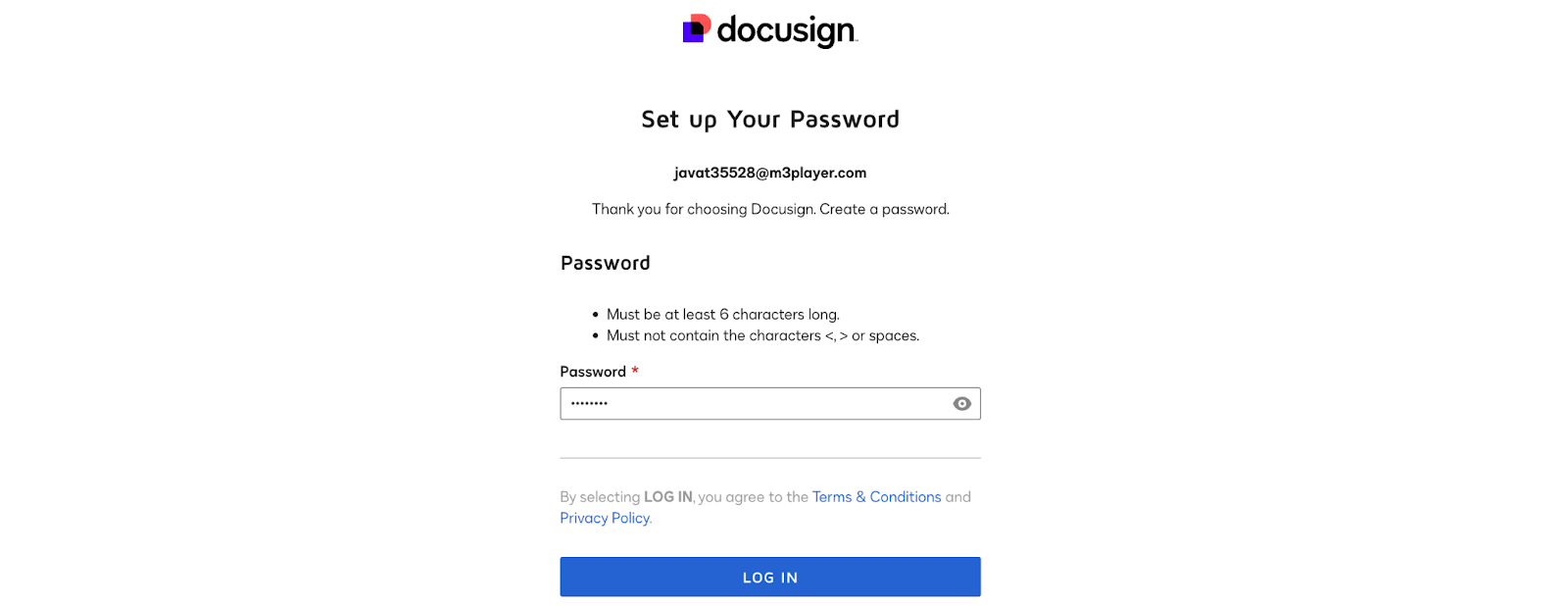
Follow the instructions to create your account and add a password.
Connect Deskworks to Docusign
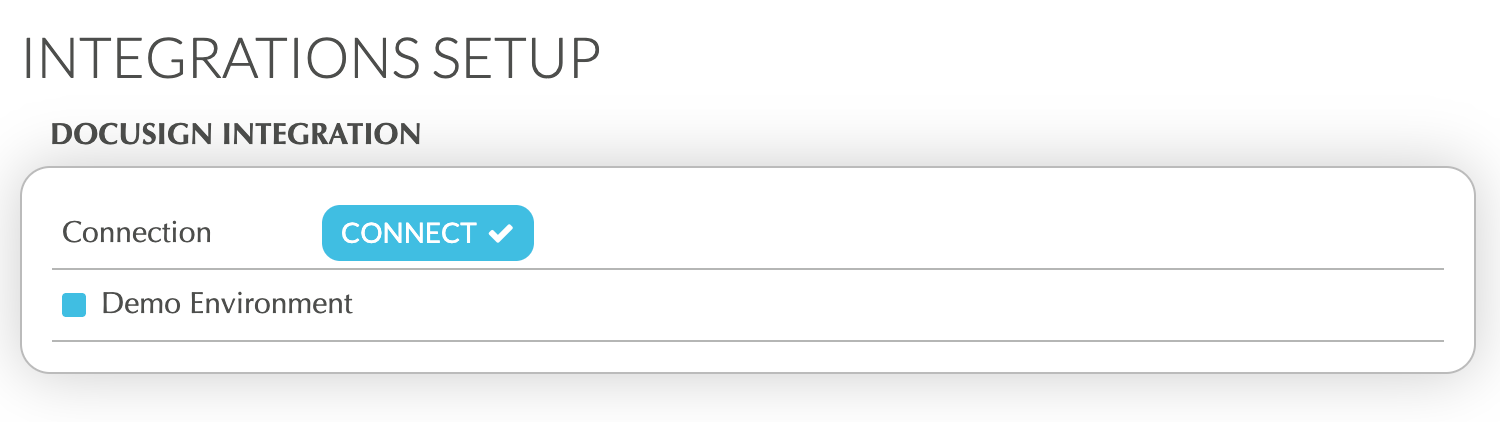
In Deskworks, go to SETUP > INTEGRATIONS SETUP.
Under Docusign Integration, check "Demo Environment" if you want to test the integration without incurring any charges for sending test envelopes. Click "Connect".
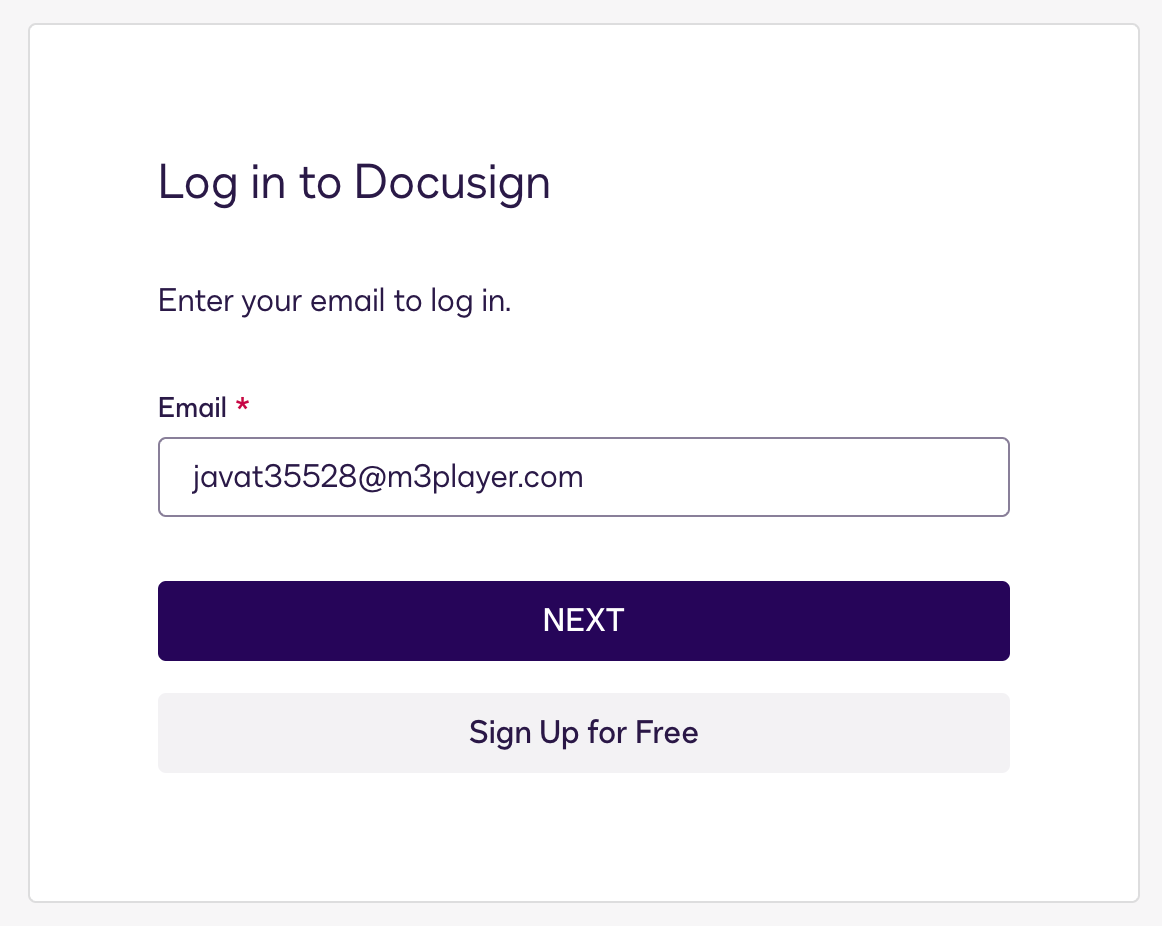
Log into Docusign using the email address and password you just created:
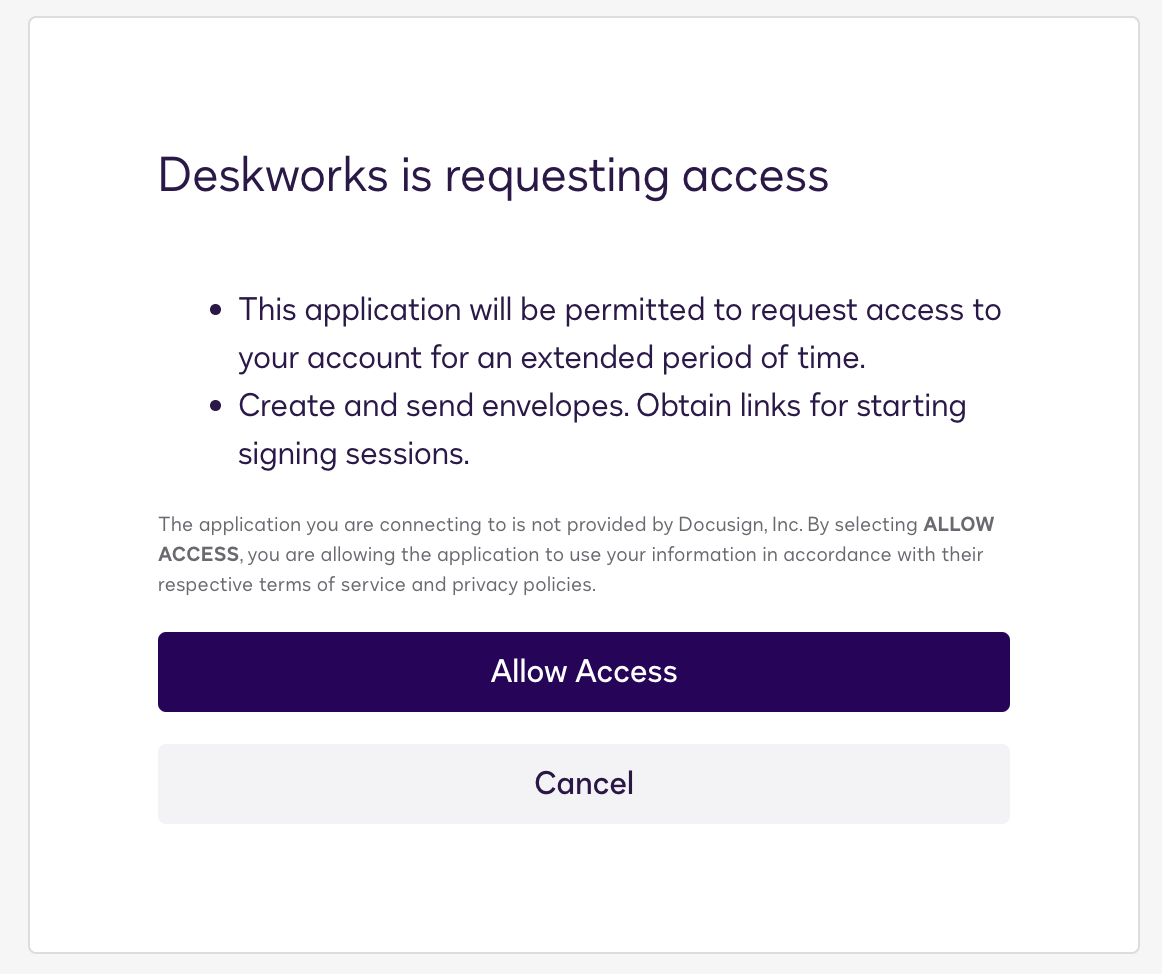
Allow the access:
Make sure the correct account is selected in the Account dropdown.
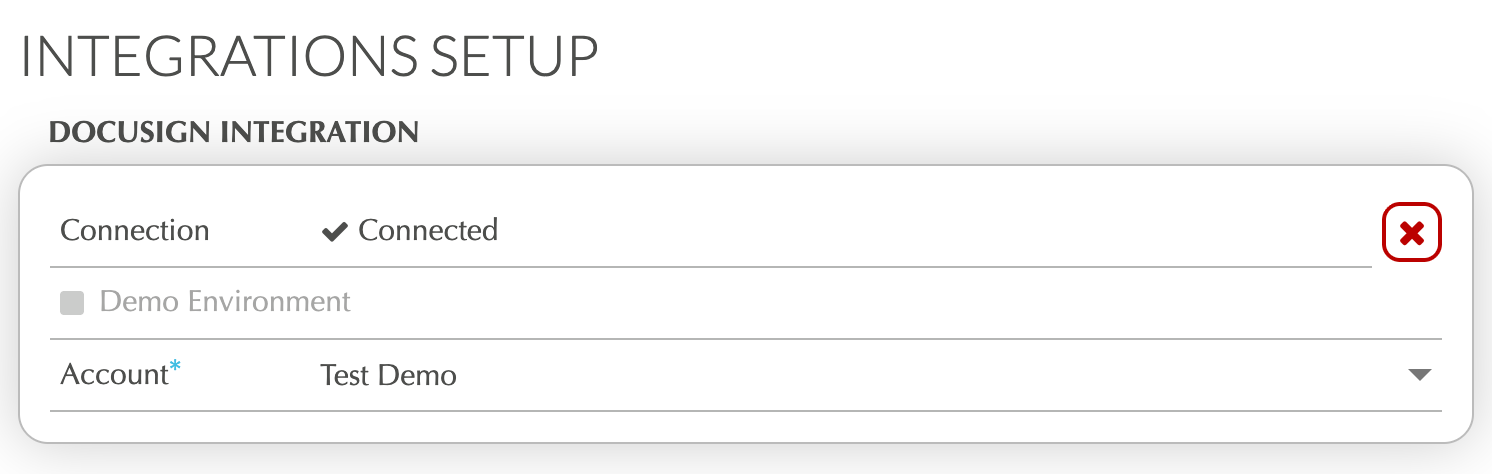
Now, the integration is connected and you can test sending envelopes for signing in Billing -> Proposals.
When you are ready for the Production Environment, go back into Integrations Setup, uncheck "Demo Environment" and select your Production Environment. You will now be ready to send production envelopes.
Was this article helpful?
That’s Great!
Thank you for your feedback
Sorry! We couldn't be helpful
Thank you for your feedback
Feedback sent
We appreciate your effort and will try to fix the article