Yes! On an Active Member, Non-Member or Inactive Member account, you can go to any invoice and send a link for payment. This is particularly handy when you've signed up a new member, and they haven't entered their payment details yet. It enables them to enter payment details and pay their first invoice through one workflow.
How To...
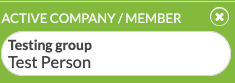
- SEARCH for the person's name, and SELECT, so that theirs is the ACTIVE account.
- On the sidebar, click CHARGES & PAYMENTS.
- Click the EDIT pencil next to the Order/INVOICE you want to send.

- Scroll to the bottom and click SEND PAYMENT LINK

- An email with the payment link will be sent to the main person on the account, along with anyone else on the account who is authorized to see accounting information. (This is helpful for sending the payment link directly to their Accounting Department.)
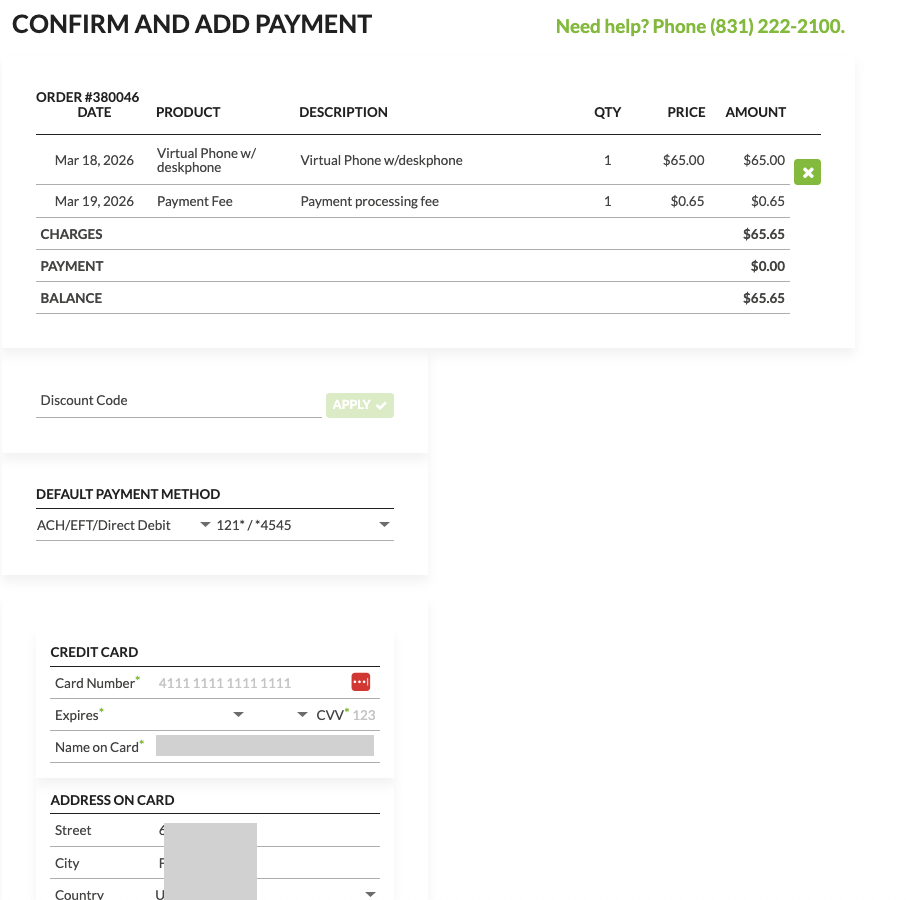
- When the link is clicked, they will go to the invoice and a place to enter payment details, either debit/credit card or bank info for ACH payments, followed by a COMPLETE PURCHASE button.

- That's it!
Was this article helpful?
That’s Great!
Thank you for your feedback
Sorry! We couldn't be helpful
Thank you for your feedback
Feedback sent
We appreciate your effort and will try to fix the article