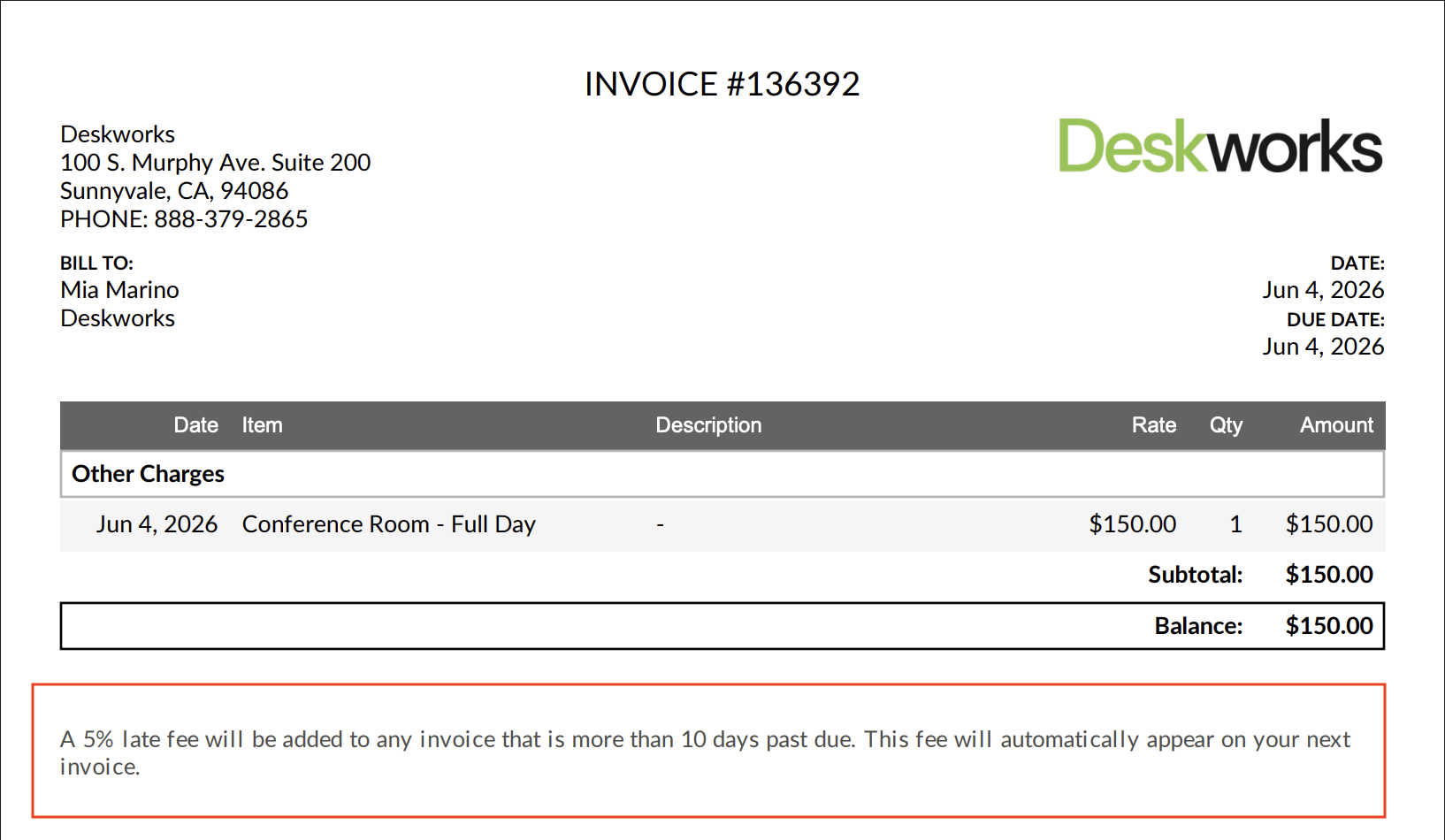
Invoice Notes let you add information that appears on all invoice PDFs.
You may want to use Invoice Notes for things like:
- Bank details
- Special payment address
- Government-required invoice information
- Notes about payment fees
- Special payment instructions
Once Invoice Notes are set up and enabled, the notes will appear on all invoice PDFs.
Note: This feature is available on the Pro Plan. If you’d like access or want to learn more about upgrading, submit a support ticket and our team will be happy to help.
Add Invoice Notes
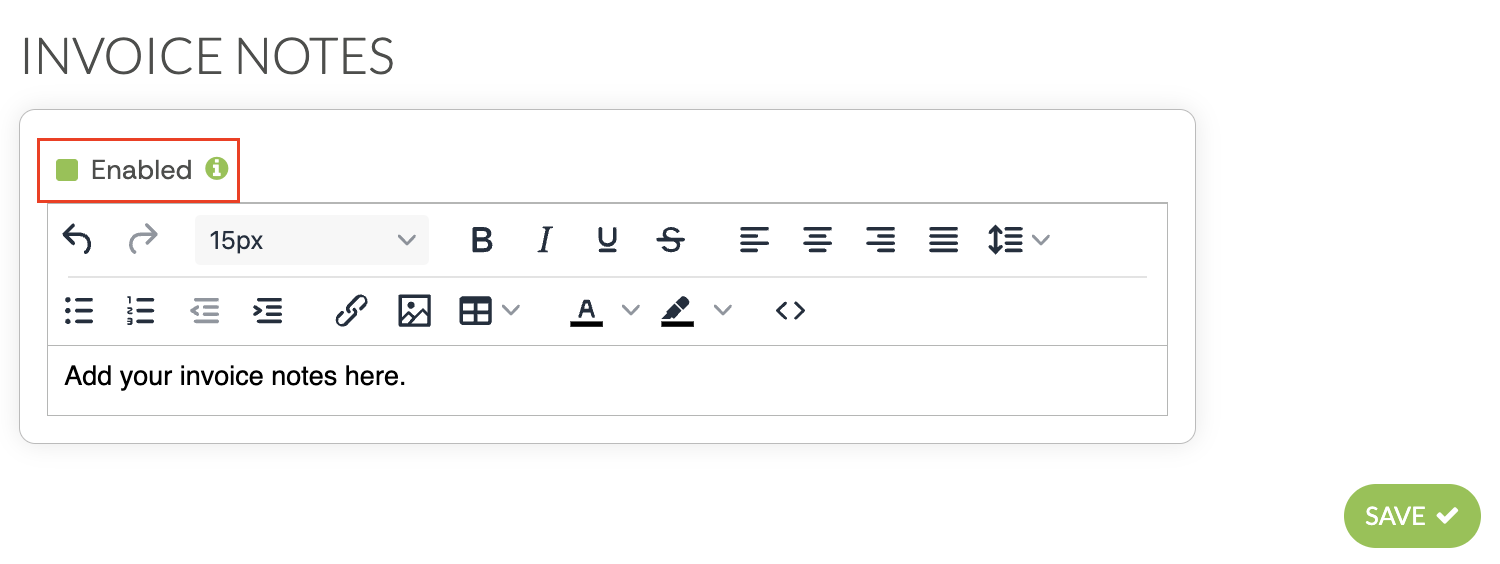
- In the sidebar, go to Email Notifications > Invoice Notes.
- Add the notes you want to display on invoices.
- Select Enabled.
- Click Save.
Important Notes
Invoice Notes update on invoice PDFs in real time.
This means the notes will appear on past and future invoice PDFs once Invoice Notes are enabled. For example, if you send a past invoice after setting up Invoice Notes, the PDF will include the Invoice Notes section.
If you are on the Pro plan but do not see Invoice Notes in your sidebar, check under New Features. You can move it under Email Notifications by changing its location in Setup > Tasks. Organize New Features in Your Deskworks Sidebar →
Was this article helpful?
That’s Great!
Thank you for your feedback
Sorry! We couldn't be helpful
Thank you for your feedback
Feedback sent
We appreciate your effort and will try to fix the article